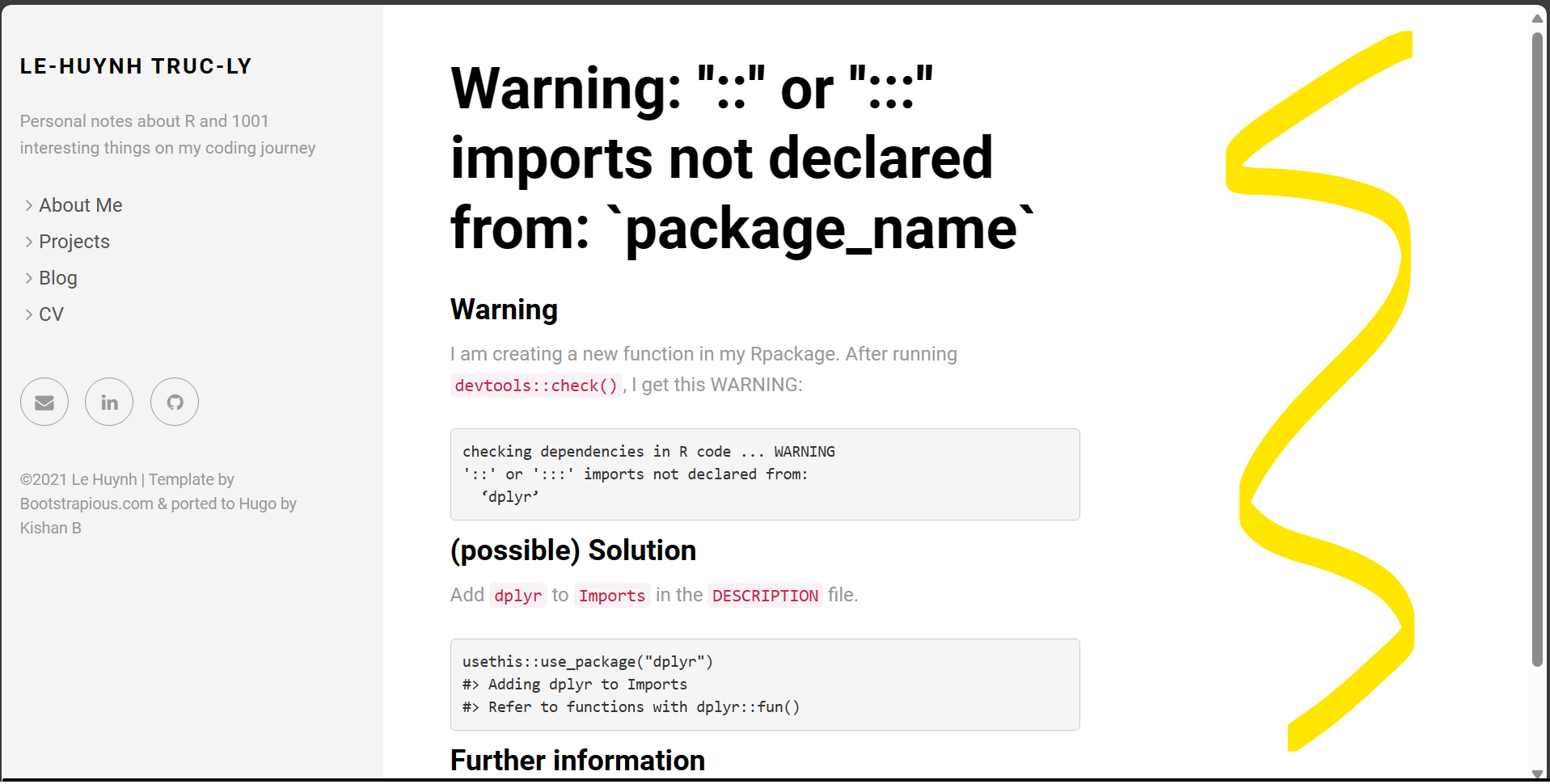
Hugo-creative-portfolio-theme: content page left 1/3 blank for desktop
tips
Problem
Hugo theme Creative Portfolio has a wonderfully clean and elegant style. However, when viewed on a desktop screen, there appears to be a one-third blank space on the right-hand side. I’d like the content to fill the entire available space.
Solution
It was confirmed that the one-third blank space was intentionally designed that way. To modify the display settings:
- Locate the file
theme/layouts/_default/single.html. - Navigate to line 5 and adjust the code from
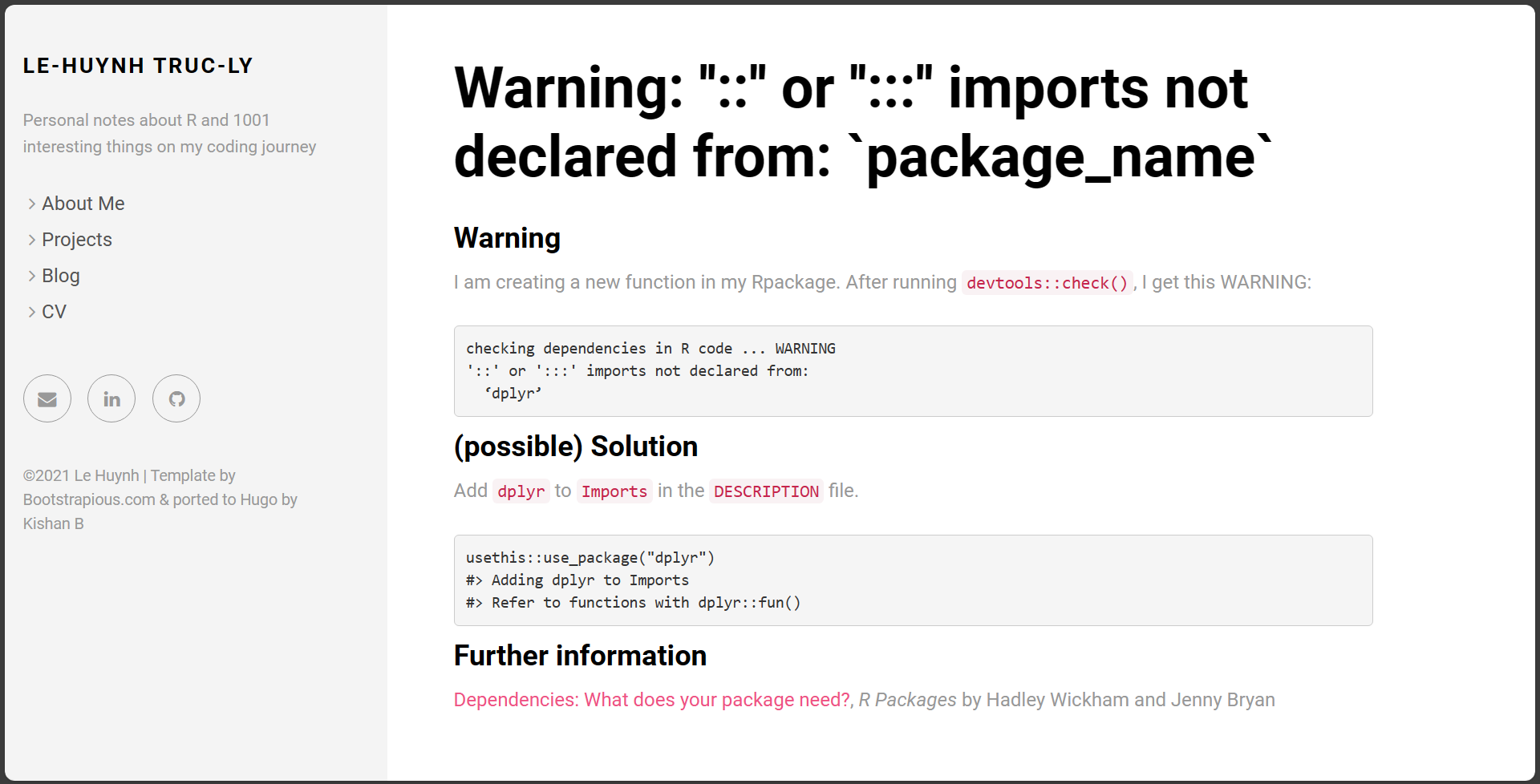
<div class="col-lg-8">to<div class="col-lg-X">, where X represents the column size. For a full-page display, use X = 12. You can also experiment with different numbers for X to suit your preference. X = 11 in the screenshot below.
Tips
If you can’t find a solution using common keyword searches, consider navigating to the theme’s GitHub repository page. Sometimes, the answer can be found by exploring the theme’s Issues page.